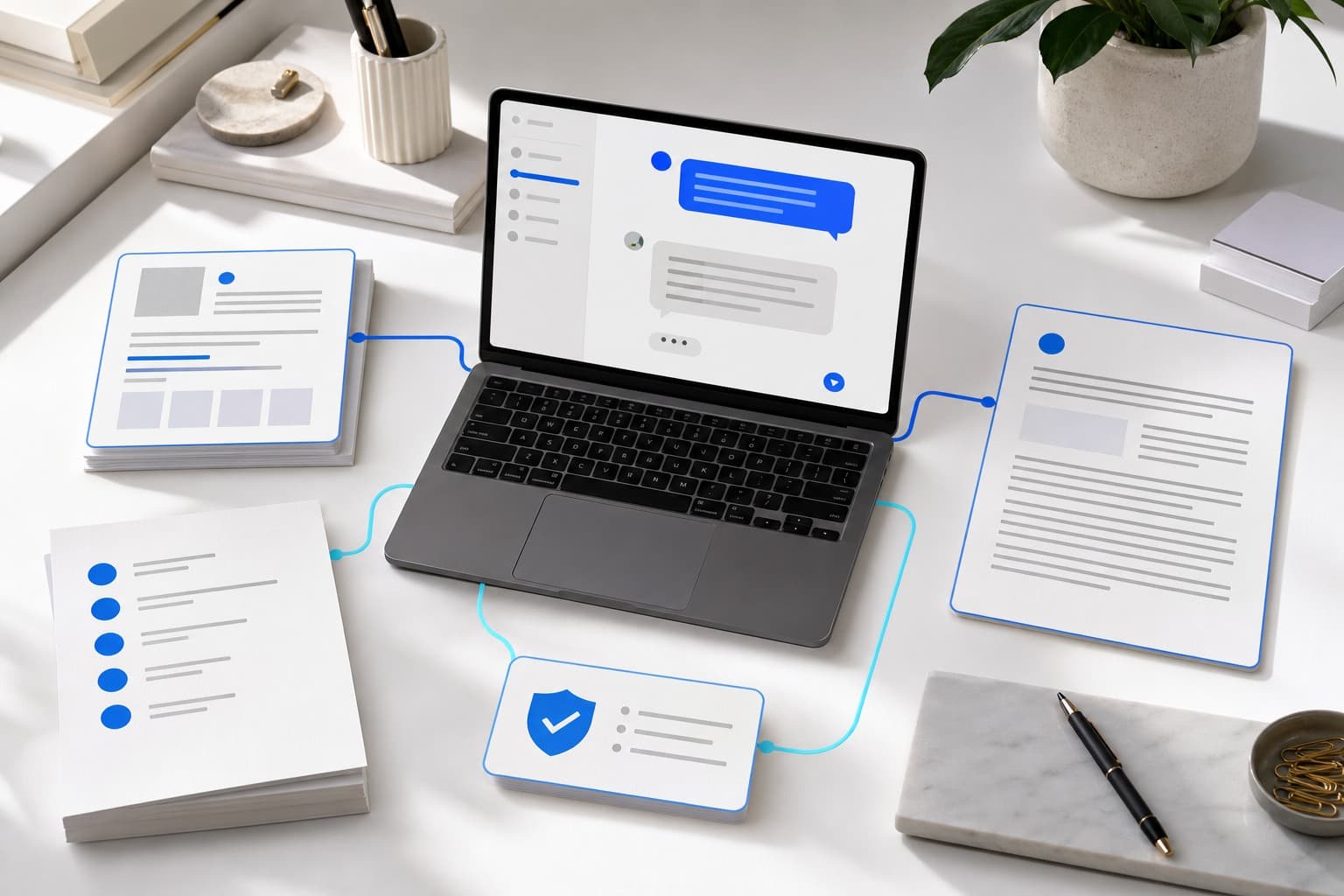
Website chatbot lead-capture checklist for small businesses
Test intent, contact details, privacy, fallbacks, mobile layout, notifications, and owner follow-up before collecting real requests.
By chatwithwebsite.com product team · Website chatbot builders and reviewers
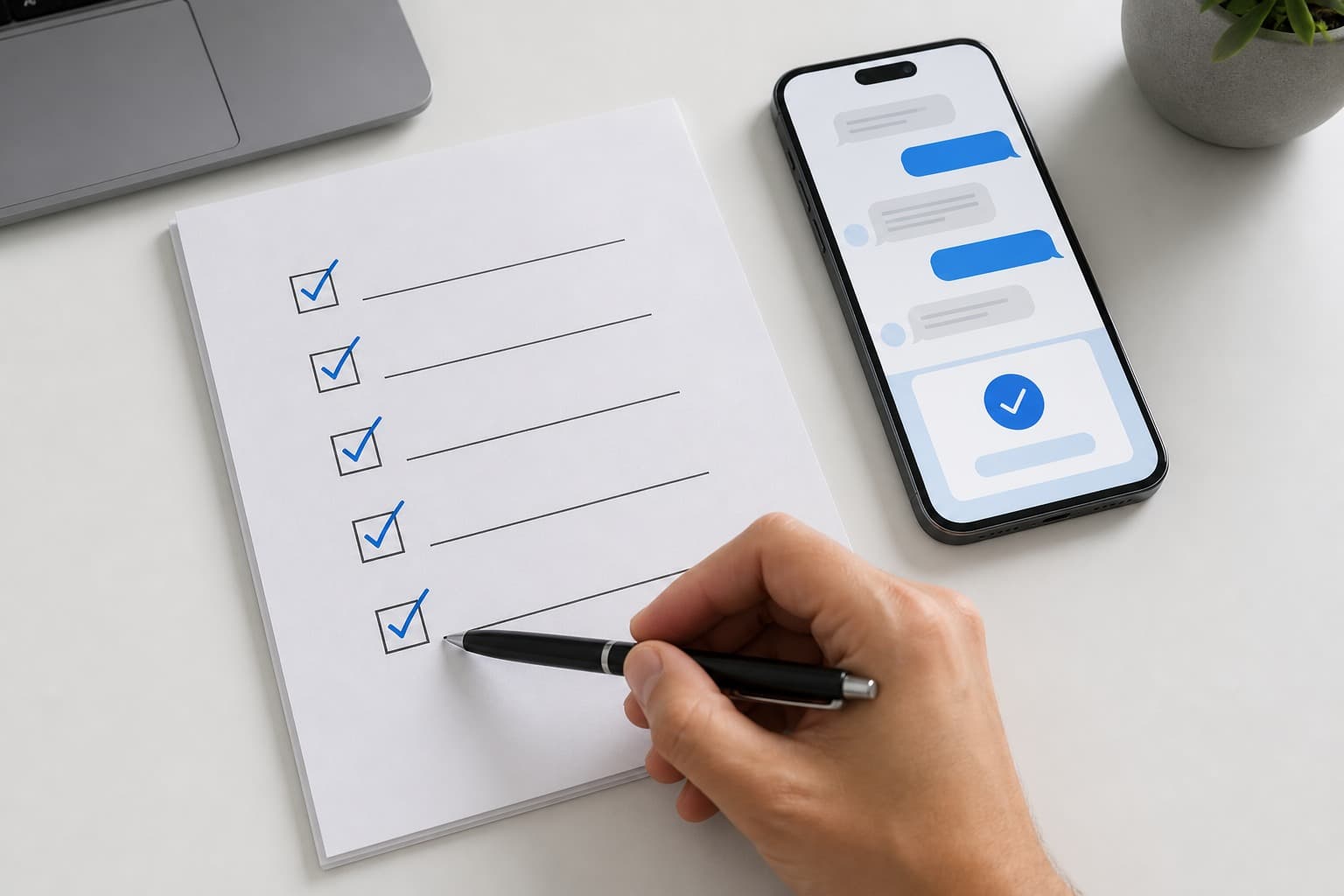
A website chatbot should not collect contact details simply because it can. Turn on lead capture when the visitor has a clear reason for a human reply, ask only for the information needed to continue, and verify that the request reaches someone who will act on it.
Use this checklist in a private test before collecting real customer details.
1. Define what counts as a follow-up
Write the small set of intents that deserve a person. chatwithwebsite.com supports follow-up patterns such as quote requests, bookings, custom orders, explicit human requests, and low-confidence conversations.
For each type, decide:
- what makes the intent clear;
- what the assistant can answer before handoff;
- which details the owner needs;
- who receives the request;
- the realistic response time.
Do not treat every greeting or product question as a lead. Aggressive capture makes a helpful assistant feel like a form that will not leave the visitor alone.
2. Ask for the minimum useful details
A name and one reliable contact method are often enough to continue. Add context that genuinely changes the response: service location, desired date, order type, approximate size, or the product under discussion.
Avoid collecting sensitive information in ordinary chat. Payment details, government identifiers, medical records, and confidential account information belong in systems designed for them.
The assistant should explain why it is asking. “What email should the florist use to confirm Friday availability?” is clearer than “Enter your email.”
3. Make the human route explicit
Test direct requests such as:
- “Can I speak to someone?”
- “Please have the owner call me.”
- “I need a custom quote.”
- “The answer does not match what I was told.”
The assistant should not keep presenting automated answers when the visitor has clearly asked for a person. If the business cannot reply immediately, state the expected next step without inventing a response-time guarantee.
The AI chatbot versus live chat guide helps define which situations should remain human-first.
4. Check the privacy experience
Tell visitors what happens to the details they provide and link to the current privacy policy. Review consent and retention requirements for the jurisdictions where the business operates; this checklist is operational guidance, not legal advice.
Confirm that:
- the privacy link is reachable on mobile;
- contact fields are not requested before there is a clear follow-up need;
- the conversation does not ask for unnecessary sensitive data;
- the owner knows where requests and conversations are stored;
- old requests can be handled according to the business’s retention process.
5. Test missing and uncertain answers
Lead capture should not conceal a weak answer. Ask a question the knowledge does not cover and another that contains conflicting exact information. The assistant should acknowledge uncertainty, request clarification where useful, or offer a human follow-up.
Do not allow an unverified correction from a disliked answer to become public knowledge automatically. Review it, edit it, and approve it only after checking the business fact.
If the assistant misses common questions, improve the sources using the website-content training workflow.
6. Verify the private test creates no real follow-up
Onboarding test conversations should exercise the wording and flow without creating a real follow-up record or emailing the owner. This keeps setup experiments out of the working inbox.
After publication, perform one clearly labeled live test using contact details controlled by the business. Remove or close the test request when verification is complete.
7. Test the delivery path
If owner email notification is enabled, verify the configured sender, recipient, subject, and conversation context. A useful notification should tell the owner why the visitor wants a reply and include the details already collected.
Confirm the failure path too. The dashboard inbox should retain the request even if email delivery fails, so an email provider outage does not erase customer intent.
8. Check the mobile conversation
Use a real narrow phone, not only a resized desktop window. Test:
- the bubble does not cover important page controls;
- the keyboard does not hide the current prompt;
- long replies and links wrap correctly;
- contact fields are large enough to tap;
- focus order and labels make sense;
- the close control is reachable;
- the visitor can return to the page without losing the thread.
Then test the same flow with reduced motion and keyboard navigation where possible.
9. Protect the public endpoint
A public chatbot needs message allowances and abuse limits. Per-visitor and per-site limits protect the service without treating every visitor as the same person. Apply an IP limit only when the hosting platform provides a trusted client address; arbitrary forwarded headers should not become identity.
The visitor should receive a clear unavailable or limit message rather than a broken interface.
10. Plan the first-week review
Assign one owner to check follow-ups and conversations daily during the first week. Record:
- follow-ups with too little context;
- questions that trigger capture too early;
- human requests that fail to hand off;
- missing or inaccurate answers before capture;
- notifications that go to the wrong person;
- mobile or language-specific friction.
Update the knowledge and capture prompts based on patterns, not one unusual conversation. Keep the collection step short and let a person continue the relationship.
When the checklist passes, follow the website chatbot installation guide to verify the public snippet and live experience. The broader small business chatbot page explains the complete review-first workflow.